

Identity and Access Management
Elevate Your IAM Effectiveness
Let SDG Services Elevate Your IAM Effectiveness and Save Effort, Cost, and Your Assets.
From the increasing threats posed by AI to improvements in behavior analytics, the identity and access landscape is changing quickly. Our 20+ years of experience in identity and access management has helped us guide some of the largest and most diverse enterprises to success.
How SDG’S IAM SERVICES BENEFIT YOU:
- Streamlined identity and access
management controls - Vendor agnostic solutions
- Enhanced security and compliance posture
- Customer centric frictionless identity
- Existing investments are maximized
- Modern and sustainable identity programs
- IAM Resources









An Unfortunate Number Of IAM Projects Fail Due To . . .

Siloed
Approach
Underestimating
Good User
Experience
Low Quality
Source Data
A Tactical-Only
Approach
Under Funding
Excessive Scope
This is when SDG’s 20+ years of IAM service experience matters.
There’s more to IAM than which technology platform. With over 20 years of experience, we know the path to success is a thorough understanding of the people, processes, and technology and how they work together to be successful.
An Unfortunate Number Of IAM Projects Fail Due To . . .
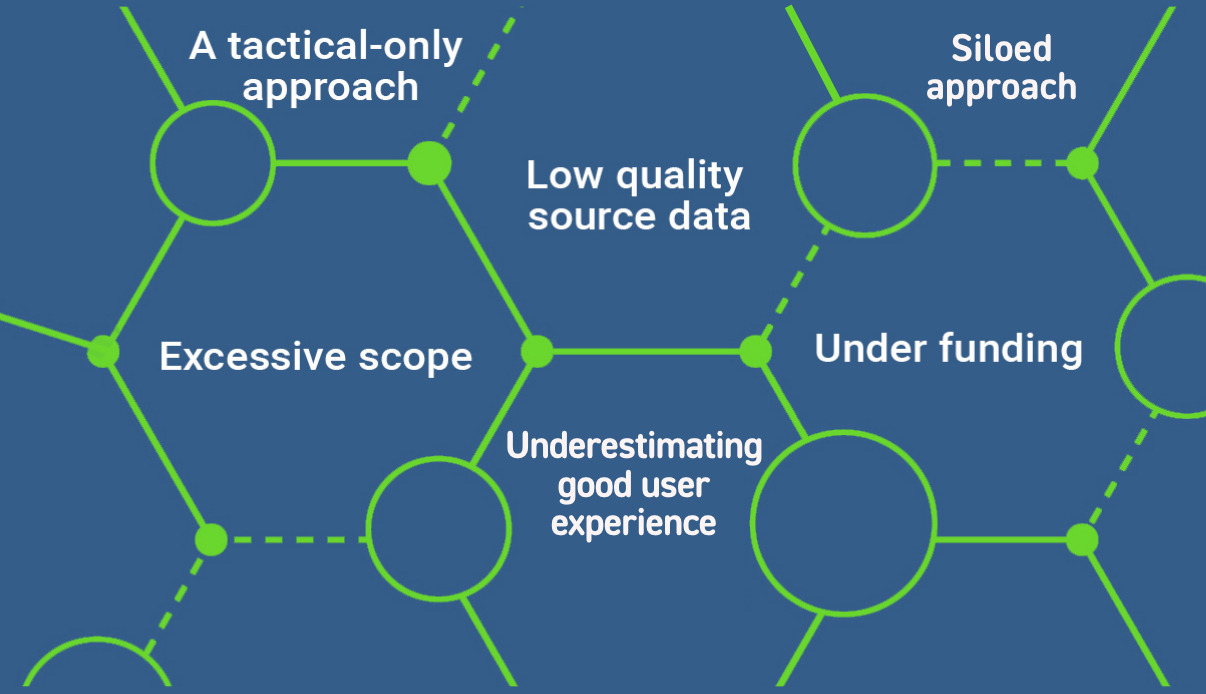
. . . this is when SDG’s 20+ years of IAM service experience matters.
There’s more to IAM than which technology platform. With over 20 years of experience, we know the path to success is a thorough understanding of the people, processes, and technology and how they work together to be successful.
Solving Hedge Funds Top Challenges with Strategic
Identity and Access Management







One Size Fits One . . .
We are technology agnostic; this means we work for YOU, not an outside tech provider. We have templates, for sure, but our flexibility and extensible methodology allows us to map a unique path to success based on your organization’s individual needs.

“SDG has been easy to work with. They have listened to our requests and supplied qualified candidates. In the rare instance that a resource was not a fit, they worked with us to swiftly get an alternative that better matched our needs.”
IAM Engineering Manager, Major Airline








Security Begins with Identity –
But Where to Start?
Whether your organization is modernizing, expanding, or just looking for guidance evaluating and selecting a vendor – but is unsure where to start – SDG’s popular Risk-Based Health Assessment is a good first step.


0
Fortune 500 Clients
0
+
IAM Professionals
0
+
Total Engagements
0
Identities Worldwide
0
+
Hours of Experience
0
Years in Business
Trusted by The World’s Best Organizations